Everything you need for a better conversation.
Siapkan konteks yang tepat, tetap hadir dengan dukungan langsung, dan tinjau setiap sesi di Lisentra.
Documents
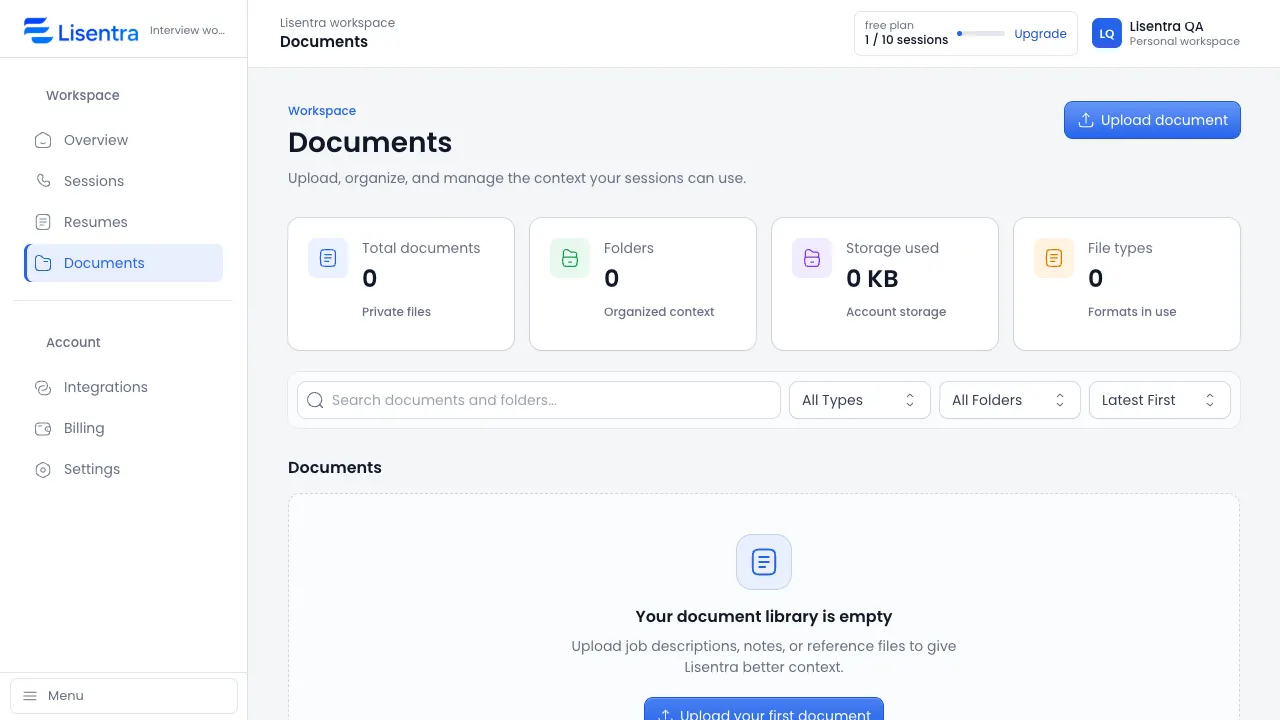
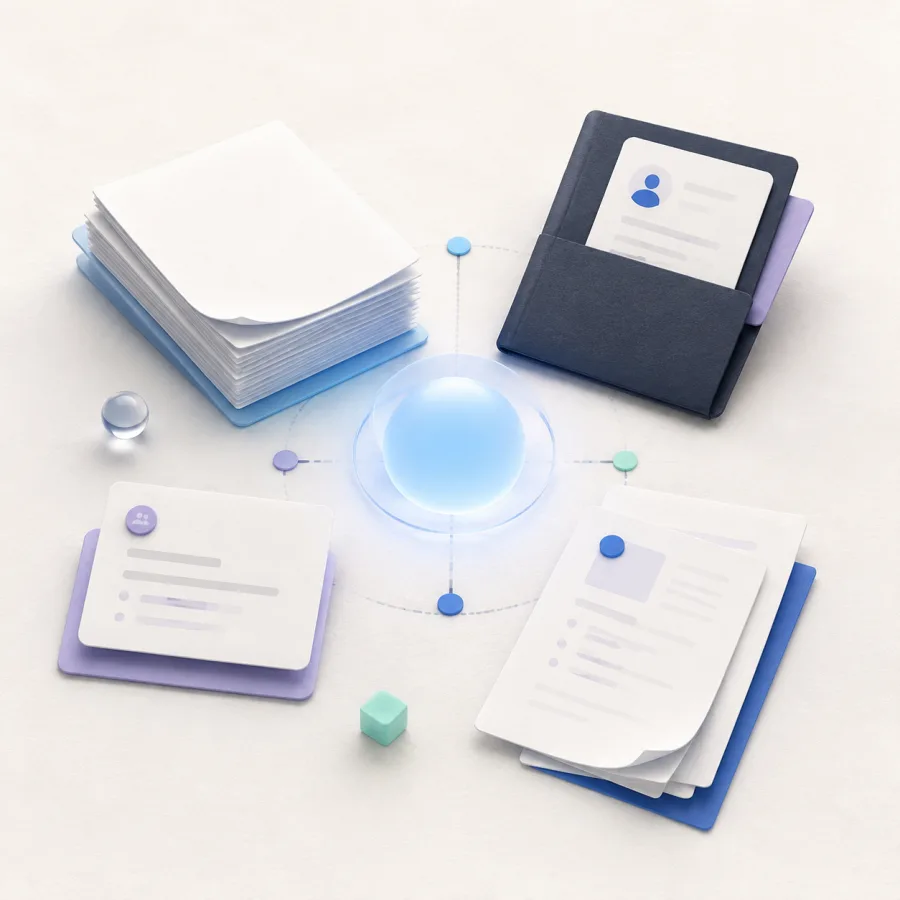
A focused home for your session context.
Keep your resume, meeting brief, and supporting documents organized so relevant details are ready when a session begins.
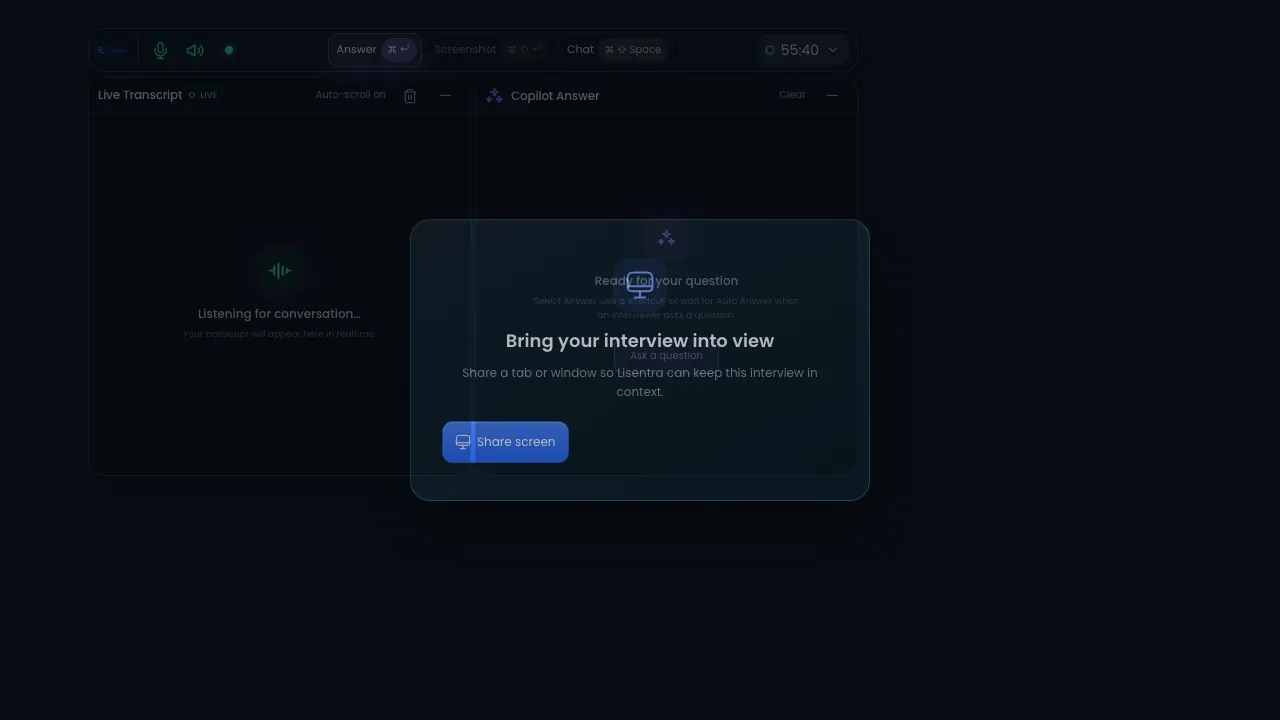
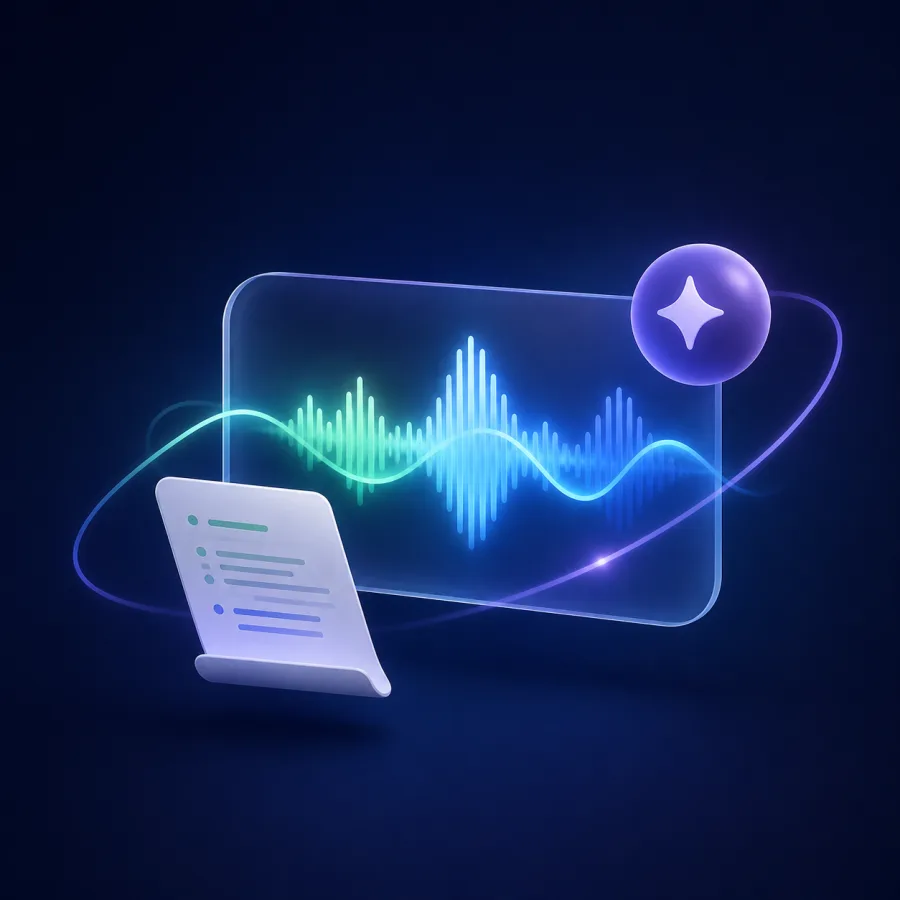
Tetap fokus dengan transkripsi langsung.
Lisentra menangkap percakapan saat Anda fokus mendengarkan dan menjawab. Gunakan sesi browser atau lanjutkan lewat desktop saat diperlukan.
One workflow From context to a calmer conversation.
Prepare with the details you choose, stay present with live support, and revisit the session when it is done.
Konteks Bring the details that matter.
Resume, meeting brief, and documents.
Live support Stay present in the conversation.
Live transcript and grounded AI support.
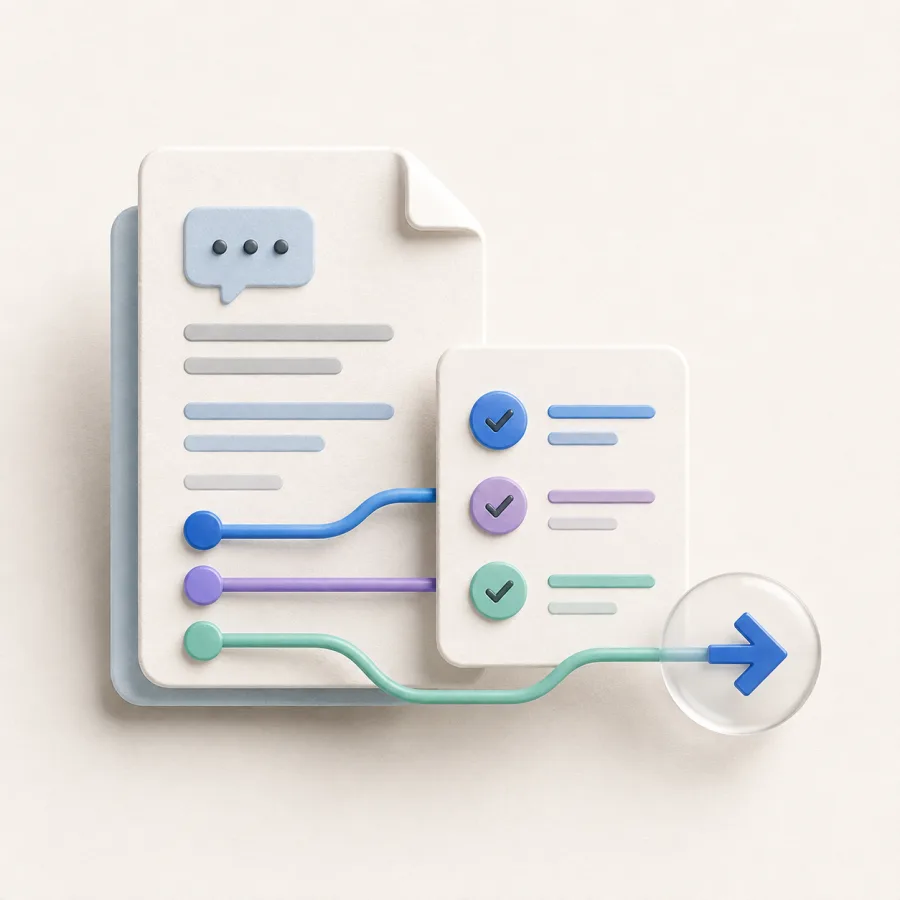
Review Turn the session into next steps.
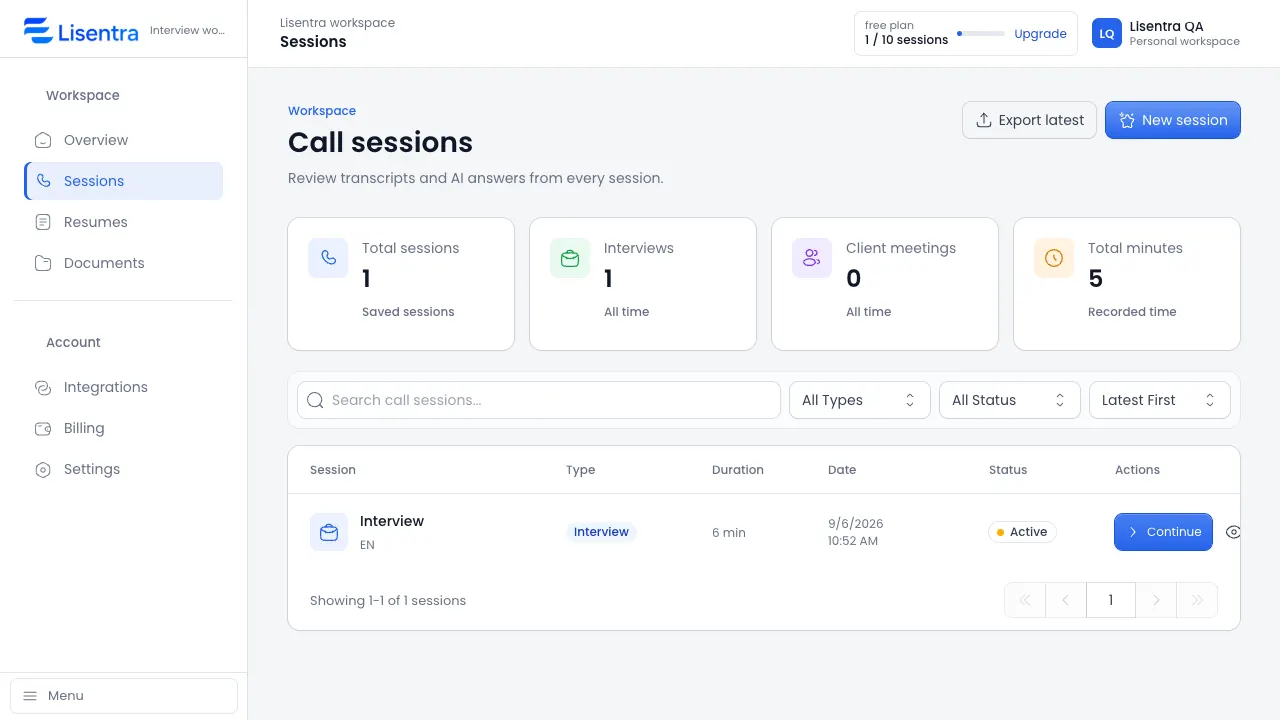
Saved transcript, answers, and follow-up.
One workspace. Two modes. The right support for the conversation in front of you.
Use the same trusted session, transcript, context, and privacy foundation for interviews or client meetings.

Interview mode Prepare, answer, improve.
Bring your resume and job description into a focused session, then review strengths, gaps, and improved answers afterward.
- Resume and job context
- Live transcript and answer support
- Interview scorecard and next steps

Client meeting mode Capture decisions, follow through.
Add an agenda or meeting brief, stay present during the conversation, and turn the transcript into useful follow-up.
- Agenda and meeting context
- Decisions, actions, and risks
- Follow-up message and next steps

 Add context from a URL or enter it manually.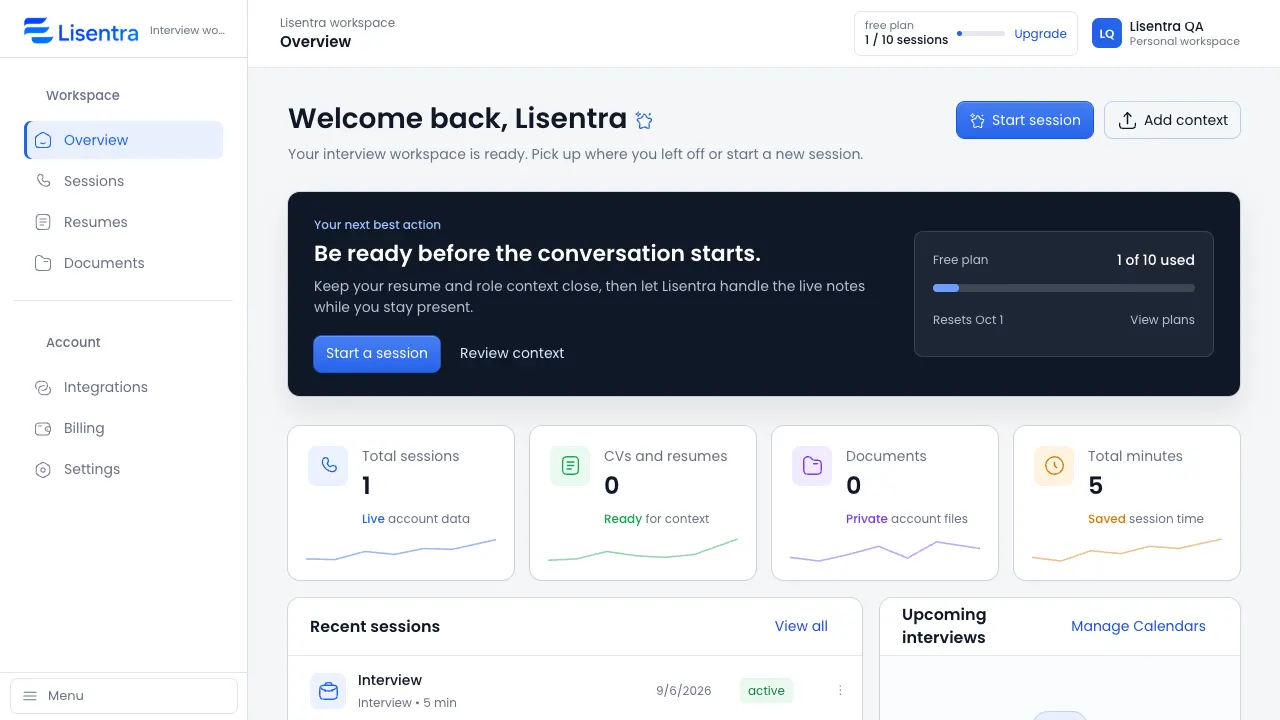



 Mode latihan tersedia.